Kyocera

New Kyocera TASKalfa MZ7001ci on the Gold Coast

For a team that copies, prints and scans in colour, and sometimes reaches for A3, here is a machine worth weighing up. The Kyocera TASKalfa MZ7001ci is one such machine: an A3 colour photocopier putting out 70 pages a minute. Bought new from us, it comes with delivery, setup on your network, scanning setup and a run through for your team, all in the price.

  • Up to 70 pages a minute on A4
  • Copies, prints and scans, A3 colour
  • Supplied new and installed for you
  • Replacement warranty with our service agreement
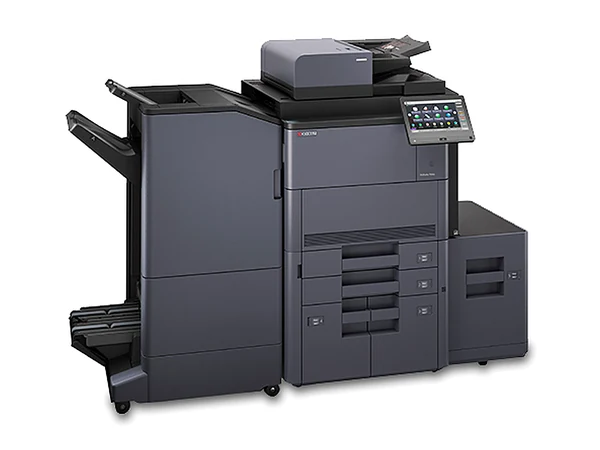
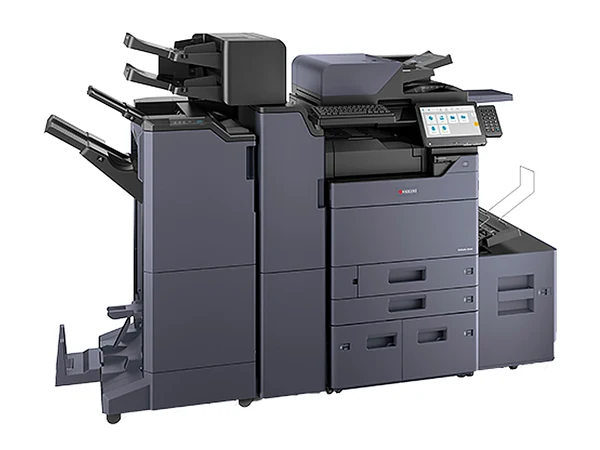
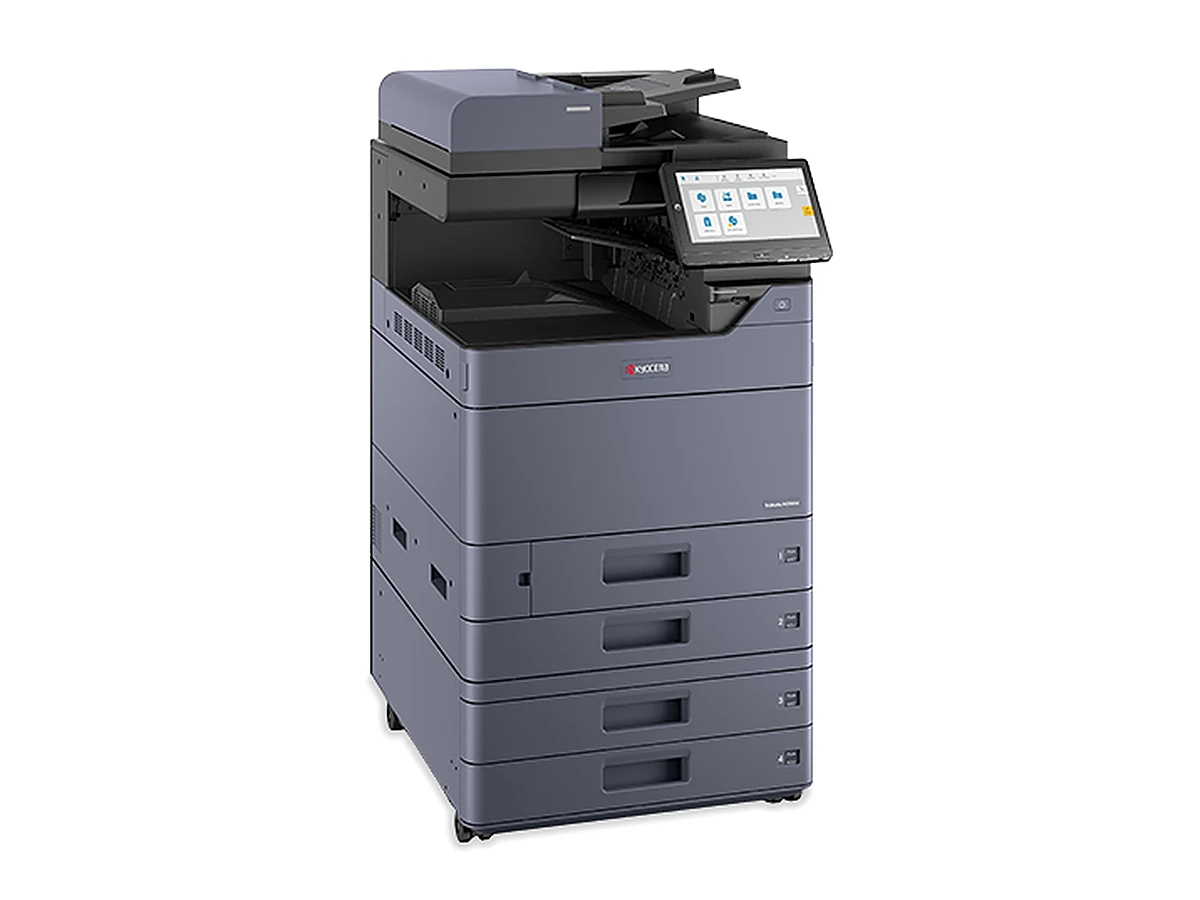
Kyocera TASKalfa MZ7001ci photocopierMaker's own photo

In plain terms

Kyocera placed the TASKalfa MZ7001ci (first released in 2025) in its TASKalfa MZ7001ci series, as the model that prints 70 pages a minute. Sister models and their A4 speeds: TASKalfa MZ2501ci (25), TASKalfa MZ3501ci (35), TASKalfa MZ4001ci (40), TASKalfa MZ5001ci (50) and TASKalfa MZ6001ci (60). From the maker's own figures, it needs the optional single pass document feeder to scan at its top speed of 274 images a minute, has room for 1,150 sheets (or 7,150 with extra paper options) and copes with card stock to 300 gsm. Kyocera Australia still has it in the current lineup.
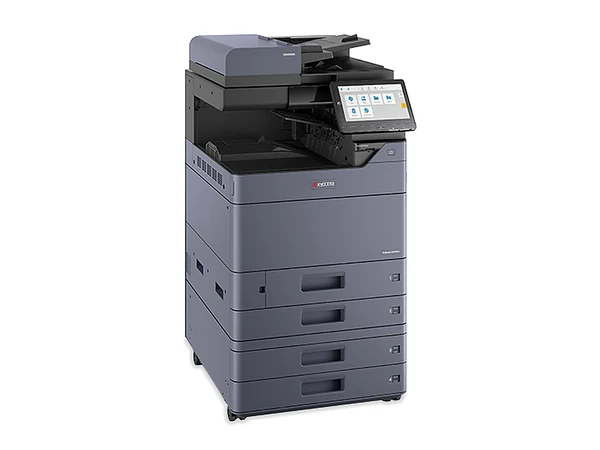
An A3 colour photocopier for Gold Coast workplaces, at 70 pages a minute, supplied new.

Specs

TASKalfa MZ7001ci specifications, in brief

As published by the maker. It comes new, delivered, installed and set up for you.

Sheet sizes
A3 and A4
Pages a minute
A4 at 70, A3 at 35
Scanning
As many as 274 images a minute with the single pass duplex feeder, which is optional, not standard
Paper loaded
1,150 sheets as supplied, expandable to 7,150
Thickest stock
300 gsm
Fax
Available as an option
Time to first copy
3.4 seconds
Finishing
Optional DF 7120 (1,000 sheets), DF 7140 or DF 7150 (4,000 sheets)
Weight and size
Roughly 95 kg; 602 x 665 x 790 mm (width x depth x height)
Year released
2025
How to pay
Outright, rental, lease or finance

Is it the right fit for your team?

Its natural home: thirty or more people, or a print room that runs much of the day. For a quieter office, the TASKalfa MZ6001ci runs at 60.

How we supply it new

Buy it new and the maker's warranty applies, which on a new machine usually means 12 months on the hardware, though not on consumables. Delivery, setup on your network, scanning setup and a run through for your team sit inside the price.

You can pay outright or rent it, and selected machines can be rented from $15 a week plus GST, with every rental subject to approval. Rental and hire are different things: rental here is a business agreement running three to five years. Put the machine on our service agreement and, if it fails, we replace it for the whole term.

Rather ring?Run your options past someone who has done this for decades.Monday to Friday, 8am to 5pm
(07) 5631 9266Request a quote
About the Kyocera TASKalfa MZ7001ci

Ask about this model, or about your printing

Describe the work the machine has to do, or name the model you want. We will come back with two or three that suit, each priced in writing, and the decision stays with you.

Easier by phone? Ring (07) 5631 9266, Monday to Friday, 8am to 5pm.

Keen on the Kyocera TASKalfa MZ7001ci?

Tell us a little about your business. The reply, in writing, says if one is on hand, how many pages it has printed and what it costs. Every Gold Coast enquiry gets an answer the same business day it arrives.

Asking about: Kyocera TASKalfa MZ7001ci

Easier to talk? Ring (07) 5631 9266. We do not sell your details. Privacy.

Replacement warranty

A machine that fails is replaced. Through to the final month.

Any machine we look after on a service agreement comes under our replacement warranty, whatever its age and however you paid for it. Rented, leased, financed or bought outright, new or secondhand: if it fails, we replace it. Cover runs for the whole term of the agreement, through to its final month.

The maker's warranty on a new copier normally lasts 12 months and takes in the hardware; consumables are not part of it. Past that first year, your protection comes from the service agreement. Every detail of the replacement warranty is set down in your agreement.

Asked often

Common queries on the Kyocera TASKalfa MZ7001ci

Can I order the Kyocera TASKalfa MZ7001ci new?

It can. A new one carries Kyocera's warranty, and delivery, setup on your network, scanning setup and a run through for your team come as part of the price.

Is the TASKalfa MZ6001ci a better choice than the TASKalfa MZ7001ci?

It comes down to your workload. At 70 pages a minute against 60, the two suit different team sizes; send a headcount and a rough monthly page count and we will recommend the better fit.

Can my business rent the TASKalfa MZ7001ci?

Yes, subject to approval. Rental is one regular payment under a business agreement running for three to five years, and at the end you upgrade to a newer machine or hand it back. Selected machines can be rented from $15 a week plus GST.

Gold Coast Copiers

Ring the people who will look after it.

Questions about a machine, a quote or the agreement you are on now, answered by someone with decades in the trade. Monday to Friday, 8am to 5pm. Every Gold Coast enquiry gets an answer the same business day it arrives.

(07) 5631 9266 Get a quote